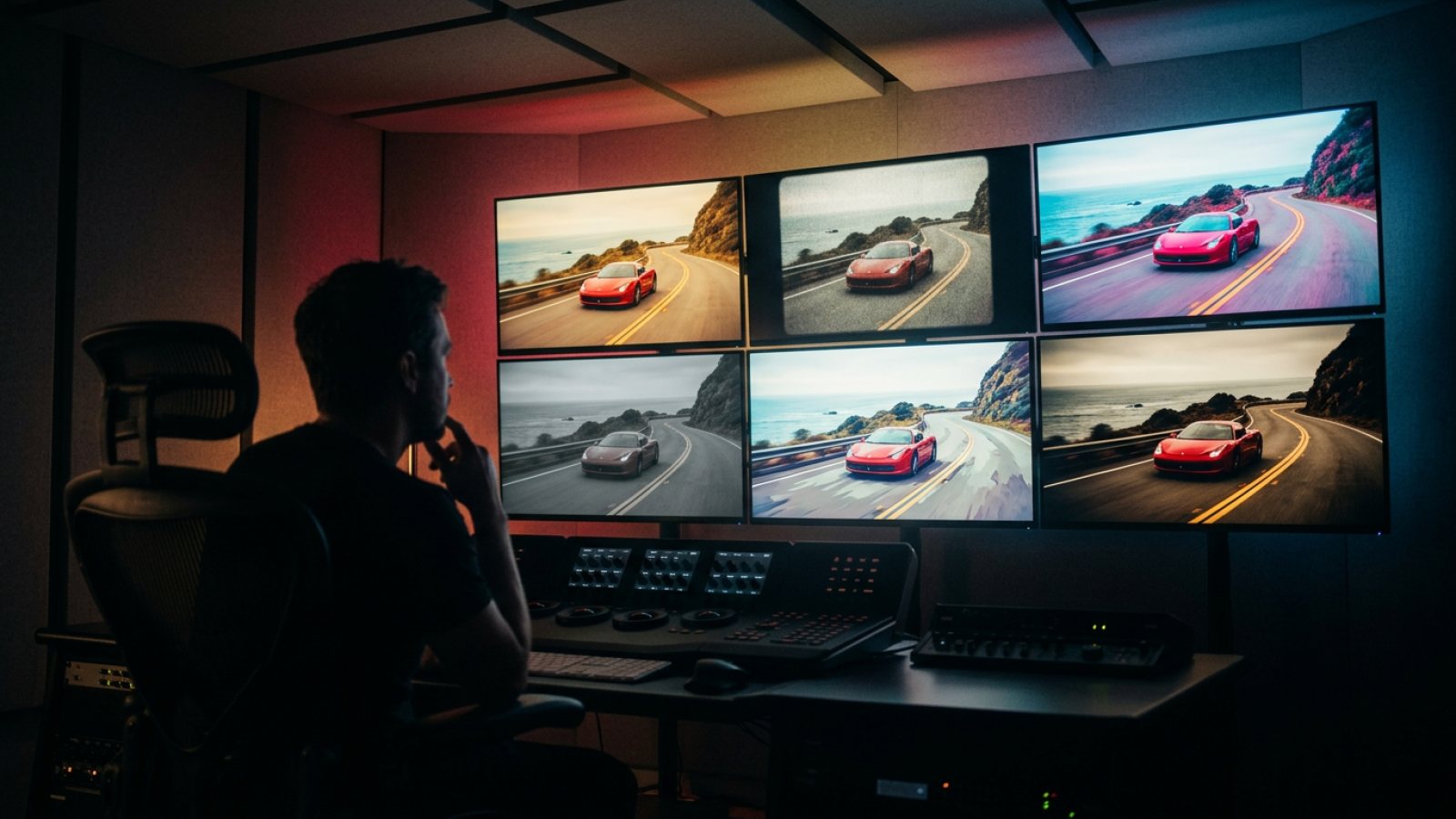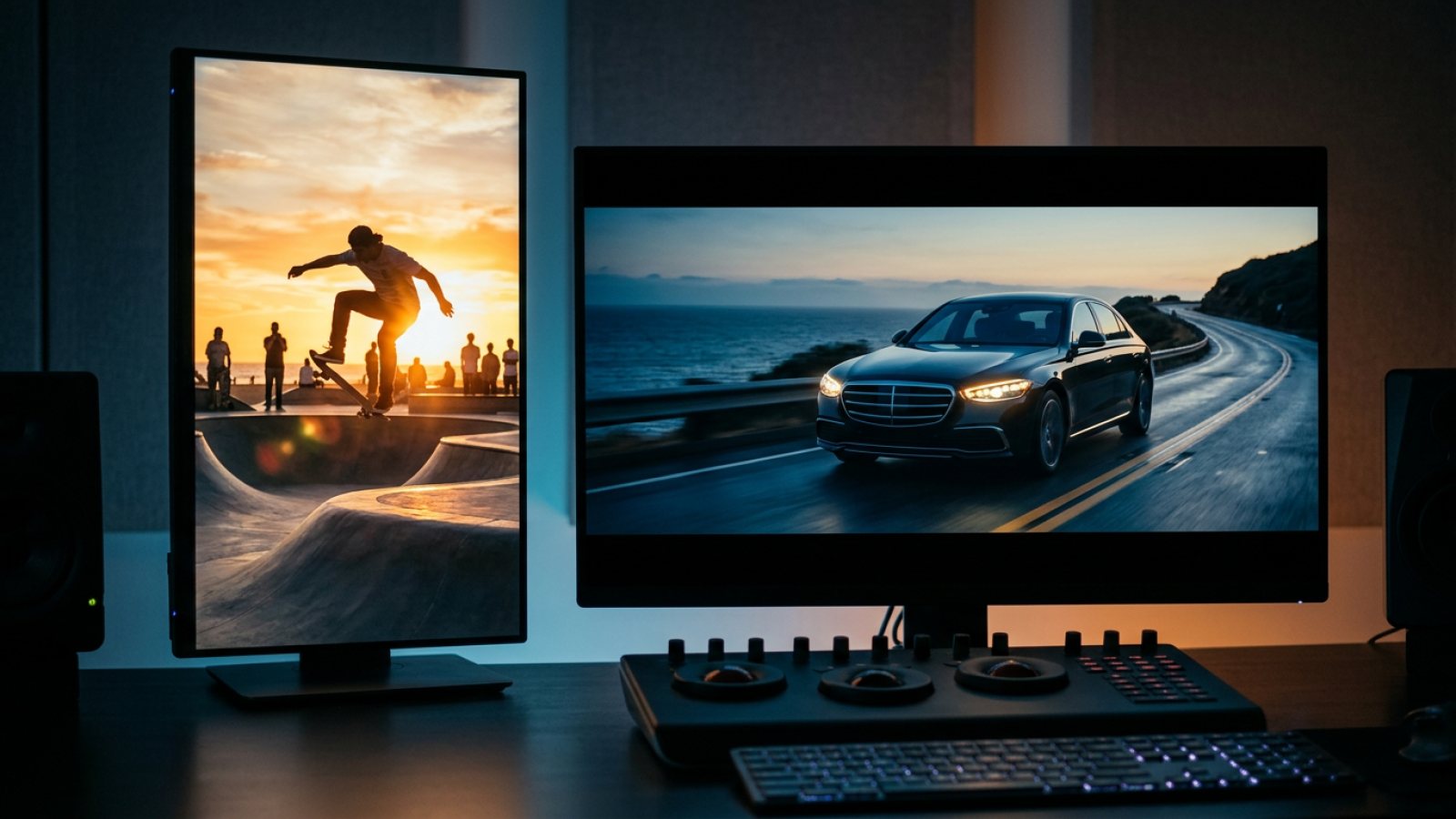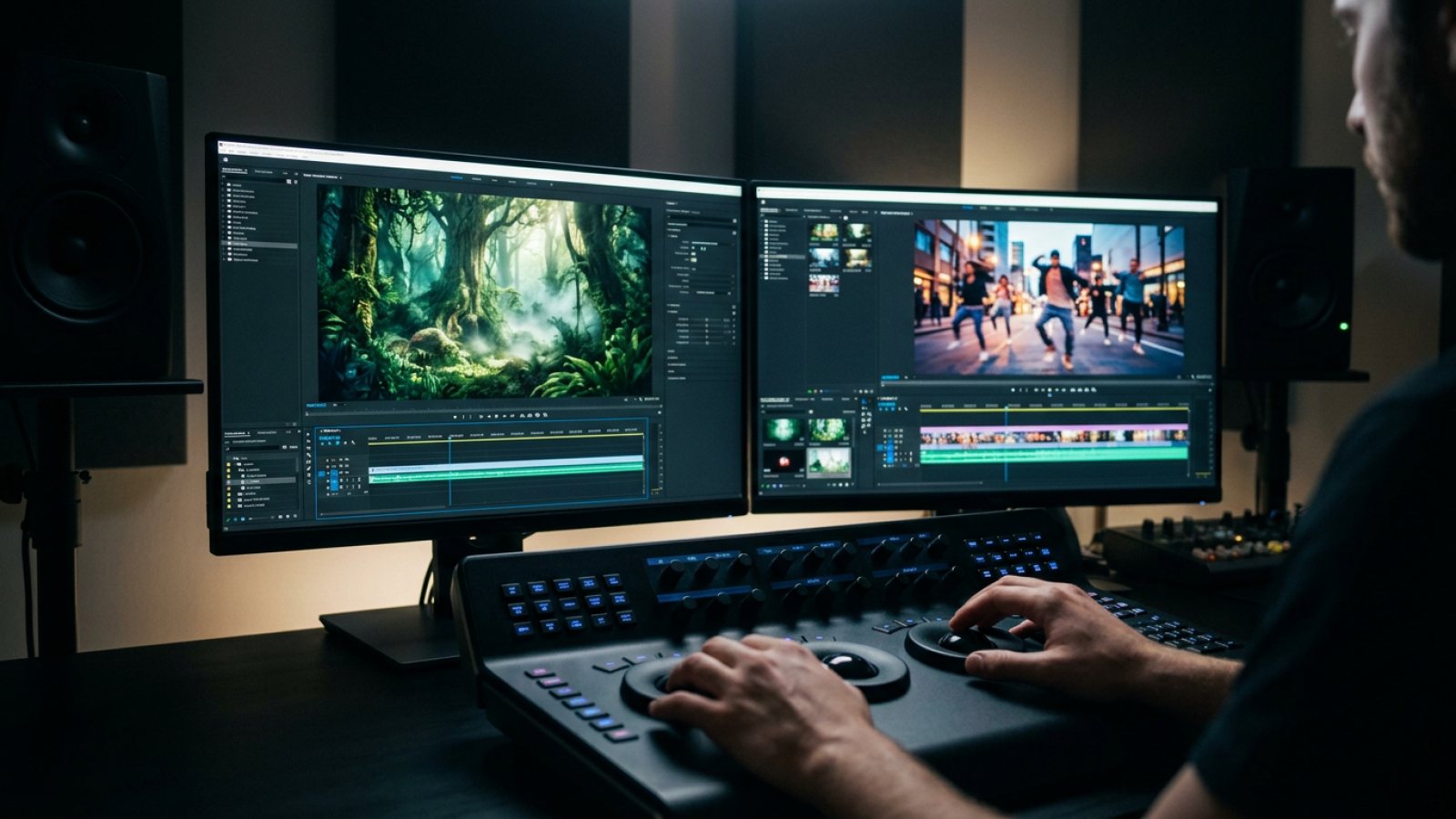
Creators comparing Gemini Omni and Seedance 2.5 usually want a practical answer: which model fits the next shot? Lanne Video hosts both in the same Studio, Banana Computer and REST surface, with one shared studio credit pool. MCP currently exposes Seedance 2.5 and MiniMax H3 only (Gemini Omni is Studio / Banana Computer / REST, not MCP). See also Best MCP servers for AI video (2026). This 2026 guide is a qualitative framework based on specifications as shipped on Lanne Video, not an invented benchmark.
Why this comparison matters in 2026
A multi-model studio changes the question from choosing one vendor for every job to choosing the right pixel engine per shot. Gemini Omni is useful when the brief needs multimodal context, close prompt adherence and revisions in chat. Seedance 2.5 is useful when the brief needs fast social and UGC iteration across several cuts.
The distinction matters because these are hosted models on Lanne Video, not two separate accounts or dashboards. You can compare the result that fits the job, keep your credits in one place, and switch models without changing the rest of the workflow.
What Gemini Omni is (on Lanne Video)
Gemini Omni is Google's multimodal video model family available on Lanne Video as Omni Flash and Omni Pro. It can work from text, images and video context, and its standout workflow is in-chat editing: describe the change, keep the useful parts of the shot, and iterate in the conversation.
- Best for: prompt-adherence-heavy briefs, product photo to video, client revisions by chat and multimodal storyboards.
- Resolution on NBV: about 1080p, with 4K upscale on Pro.
- Duration on NBV: about 10 seconds per generation, with extension through chat where supported.
- Audio: with the picture as shipped on the surface.
- Model ids:
gemini-omniandgemini-omni-pro.
Important naming note: Gemini Omni is not Google Veo. Omni is the multimodal, chat-edit workflow described here. Google Veo is a separate Google video product accessed through Google Flow or Vertex, outside the Lanne Video hosted Omni surface. See the Veo alternative guide for that distinction.
Read the full hub for the available controls and workflow: Gemini Omni Video.
What Seedance 2.5 is (on Lanne Video)
Seedance 2.5 is ByteDance's social and UGC-oriented video model hosted on Lanne Video. You can choose it in Studio or Banana Computer, call it through MCP, or use the REST model id seedance2. Hosted generation does not require a separate Jimeng or Dreamina account.
- Best for: Reels and TikTok volume, product demos, A/B social packs and fast multi-ratio iteration.
- Resolution on NBV: 480p or 720p.
- Duration on NBV: 4 to 15 seconds.
- Audio: native or automatic audio with the picture.
- API id:
seedance2.
Use the Seedance 2.5 video hub for the model controls, API notes and generation entry points.
Side-by-side framework
This is a qualitative comparison of specifications and workflows available on Lanne Video. It does not claim a synthetic score, percentage advantage or lab win-rate.
| Dimension | Gemini Omni | Seedance 2.5 |
|---|---|---|
| Best for | Prompt adherence, chat edits and multimodal briefs | Fast UGC, social volume and product iteration |
| Standout workflow | In-chat object, scene and grade edits | Volume and multi-ratio social speed |
| Max resolution on NBV | 1080p, 4K upscale on Pro | 480p or 720p |
| Duration on NBV | About 10 seconds per generation | 4 to 15 seconds |
| Audio | With picture as shipped | Native or automatic with picture |
| API or model id | gemini-omni / gemini-omni-pro | seedance2 |
| Vendor | Google, hosted on NBV | ByteDance, hosted on NBV |
The table is a selection guide, not a promise that one model wins every scene. Shot type, input quality, prompt clarity and the required delivery format still matter.
When to pick Gemini Omni
- Revisions by conversation: ask for an object, camera or grade adjustment without rebuilding the whole brief.
- Multimodal briefs: combine a reference image, a video reference and written direction in one workflow.
- Product photo to video: start from a still and refine the motion or scene through follow-up instructions.
- Adherence-heavy work: use Omni when preserving the details of a brief matters more than producing the largest social batch.
If the work is a client review loop or a product story that needs several conversational edits, start with Gemini Omni on Lanne Video.
When to pick Seedance 2.5
- Social volume: make several short Reels, TikTok or Shorts variants from one creative direction.
- UGC and product demos: prioritize quick concepts, natural motion and native audio for social testing.
- A/B packs: try different hooks, openings, ratios and product angles when 720p is enough.
- Fast multi-ratio delivery: choose Seedance when a campaign needs several social formats in one production pass.
If the brief is many postable variants rather than one heavily revised hero, start with Seedance 2.5 on Lanne Video.
Same studio: switch anytime
Gemini Omni and Seedance 2.5 use the same Lanne Video workspace and studio credits:
- Studio: choose the model, set the available duration and ratio, then generate.
- Banana Computer: keep the conversation, references and generation workflow together.
- MCP: connect Claude or ChatGPT through Lanne Video MCP and ask for Seedance 2.5 (or MiniMax H3). For Gemini Omni use Studio, Banana Computer or REST (
gemini-omni/gemini-omni-pro), not the current MCP tool surface. - REST: use
gemini-omni,gemini-omni-proorseedance2as shipped model ids when an HTTP integration is the right fit.
Lanne Video also hosts MiniMax H3 as a third generation model in the workspace. For that separate 2K and stereo comparison, read Seedance 2.5 vs MiniMax H3 (2026). This article does not treat any outside model as part of the Lanne Video hosted set.
How to generate (3 steps)
- Create or sign in to a Lanne Video account. Plans start at €19.99/mo, cancel anytime. Start from the AI video generator or the AI Video Generator hub.
- Pick the model for the shot. Choose Gemini Omni for conversational edits and adherence, or Seedance 2.5 for social and UGC volume. You can also connect MCP and ask Claude or ChatGPT for Seedance 2.5 (MCP models today are Seedance 2.5 and MiniMax H3 only).
- Generate, review and export. Keep the strongest take, then check pricing for the plan and export terms that fit your use.
Example Omni brief: "Use this product photo as the reference. Create a clean 10-second tabletop reveal, then let me revise the camera move and background in chat." Example Seedance brief: "Create a 5-second 9:16 product demo with a handheld social feel, natural audio and a clear opening action." These examples describe workflows, not guaranteed outputs.
Pricing
Plans start at €19.99/mo, cancel anytime. Commercial use and watermark-free exports require a paid plan. Credits are shared across the hosted studio models rather than split into separate Omni and Seedance wallets. See the live plan cards at pricing.
This comparison makes no promise of income, AdSense, YouTube Partner Program results or client-sales outcomes. Model choice can improve a workflow, but it cannot guarantee a business result.
FAQ
Gemini Omni vs Seedance 2.5: which is better?
It depends on the job. Gemini Omni is the better starting point for in-chat edits, multimodal briefs and prompt adherence. Seedance 2.5 is the better starting point for social volume, UGC and quick multi-ratio iteration.
Does Lanne Video host both Gemini Omni and Seedance 2.5?
Yes. Lanne Video hosts Gemini Omni Flash/Pro and Seedance 2.5 in Studio, Banana Computer and REST with the same studio credit pool. MCP models today are Seedance 2.5 and MiniMax H3 only. Gemini Omni is not on MCP.
Is Gemini Omni the same as Google Veo?
No. Gemini Omni is the multimodal model and chat-edit workflow on Lanne Video. Google Veo is a separate Google product accessed through Google Flow or Vertex. Lanne Video does not claim to host Google Veo; see Veo alternative for context.
Do I need a Google Cloud or Jimeng account?
No for hosted generation on Lanne Video. A Lanne Video account is used for the Studio workflow. Separate vendor accounts are not required to choose Gemini Omni or Seedance 2.5 there.
Can I use both models from Claude or ChatGPT?
Via Lanne Video MCP, ask the agent for Seedance 2.5 (and MiniMax H3). For Gemini Omni, use Studio, Banana Computer or REST (gemini-omni / gemini-omni-pro). Agents do not get Omni through the current MCP connector. See Best MCP servers for AI video (2026) for the model map.
Where does MiniMax H3 fit?
MiniMax H3 is another hosted generation model in the Lanne Video workspace, with a different 2K and stereo-oriented use case. Read the sister comparison Seedance 2.5 vs MiniMax H3.
Is Gemini Omni or Seedance 2.5 free?
Plans start at €19.99/mo, cancel anytime. Commercial use and watermark-free exports require a paid plan. Check pricing for current plan details.
Pick the model, keep the studio
The practical summary for 2026 is simple: choose Gemini Omni for conversational edits and prompt adherence; choose Seedance 2.5 for social and UGC speed. Both are available in the same Lanne Video workspace. Start at the AI video generator, read the Gemini Omni and Seedance 2.5 hubs, connect MCP when you want an agent in the loop, and review pricing before scaling.